Build your village with friends!
Join the same world and fit windows while a friend plants the garden: every block, every chest and every harvest is shared.
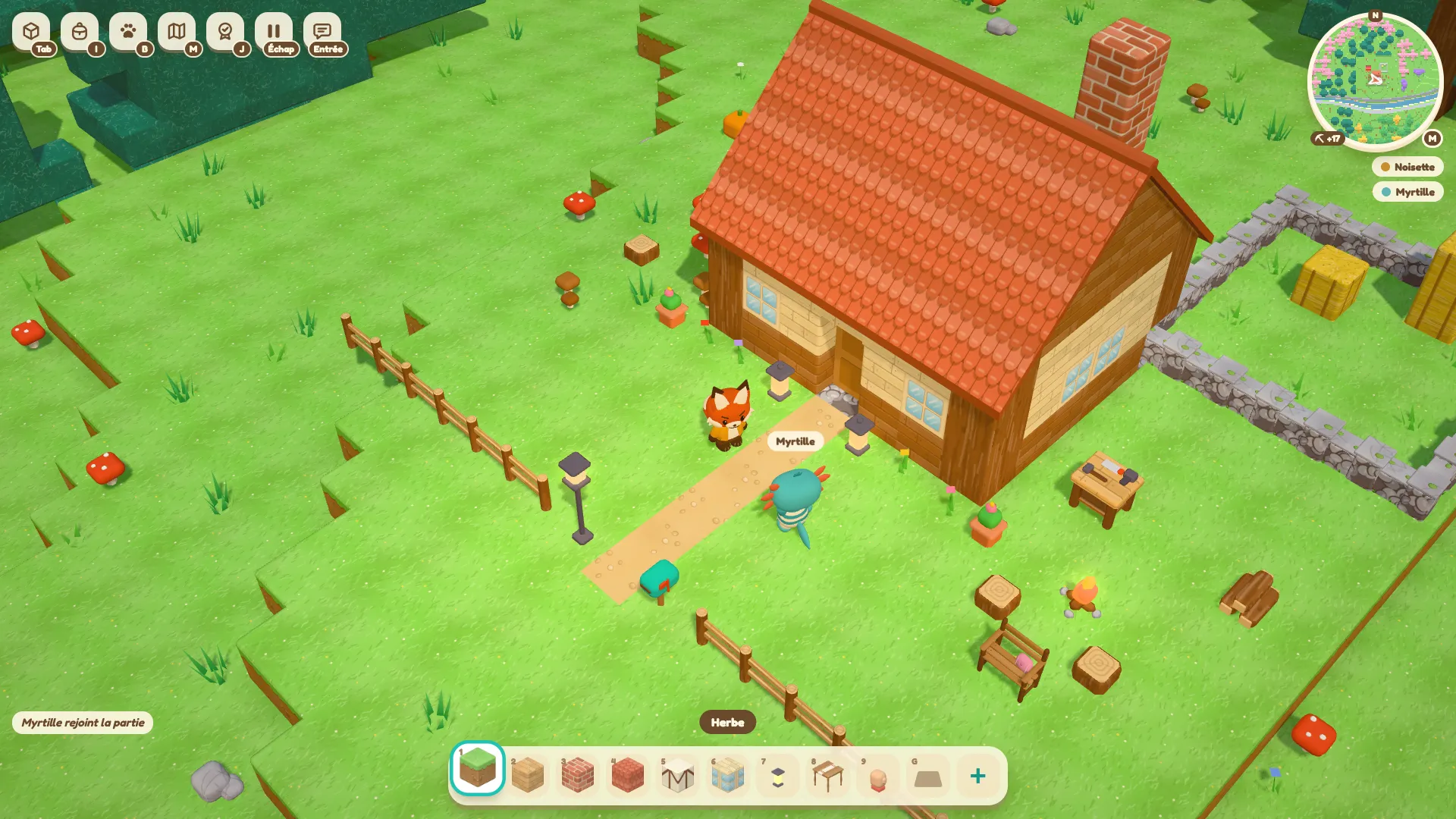
To build together, all join the same world: the window you put in shows up straight away for your friend, in exactly the same spot. Meanwhile they get the garden ready, and you watch their flower beds grow from your scaffolding. Everyone’s name appears above their character, which helps you keep track of who is doing what.
Invite your friends
Your friends can join a server on the same network as you, or a hosted server they can reach from home. All they need is its address. The play with friends guide explains how to open an invitation or add an address.
Once you are in, press Enter to open the chat and type /coucou to wave. On a server, only the admin can change the game mode and turn on damage between players.
Pick up the build where you left it
The world remembers everything you have changed: a wall put up, an opening dug out, a window fitted. When a friend joins you later, they find the same landscape and the building site exactly as you left it. Your builds are saved as you play.
Share chests, harvests and stacks
Everyone sees the same blocks, but each player keeps their own bag. To pool your things, use a chest: its contents are the same for everyone, and whatever one of you puts in, the other can take out.
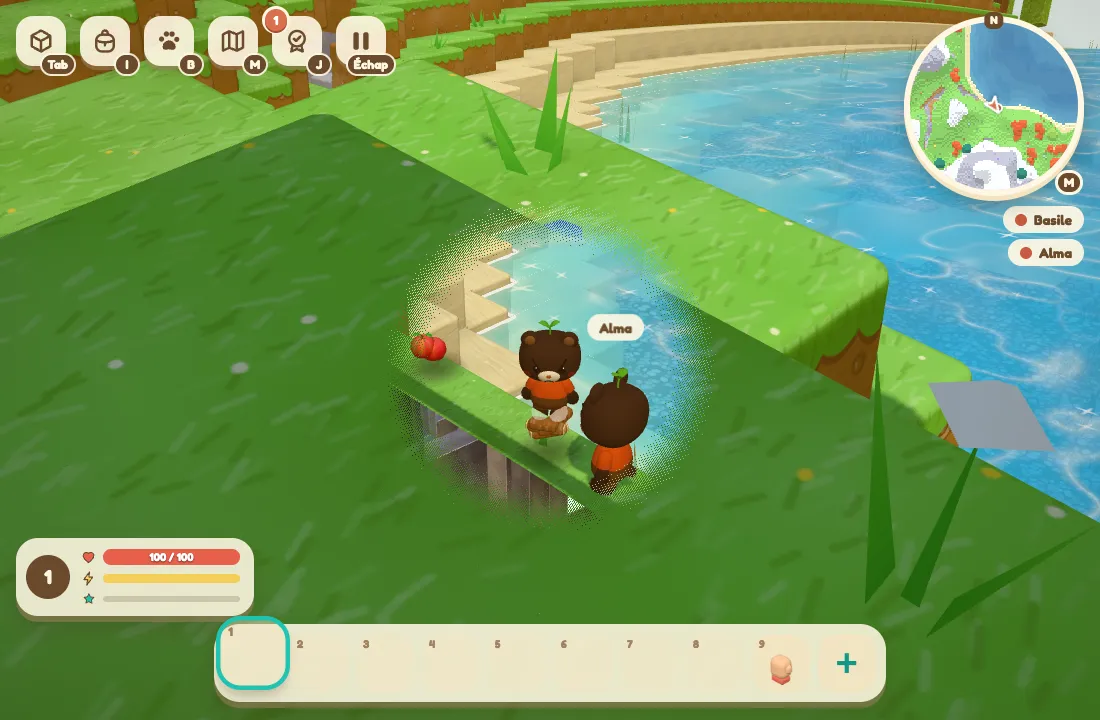
The vegetable patch grows at the same pace for the whole team. If your friend waters the tomatoes, you see them ripen too. Stacks on the ground are shared the same way: if someone takes some of the wood, the next player finds what is left.
Mechanisms and creatures work the same way. The lever you pull lights the lamp for everyone, and the Sporet following you wanders across your friends’ screens as well.
Your village is waiting at game.playcabane.com. To play together without leaving your computer on, the Servers page covers hosting for your world.